
Pallet Counting
Pallet counts from phone photos and rack occupancy from fixed cameras, reconciled with warehouse records to highlight discrepancies
- Warehousing / Logistics
- AI
- Computer vision
- Python
- YOLO
- OpenCV
- React Native
The project
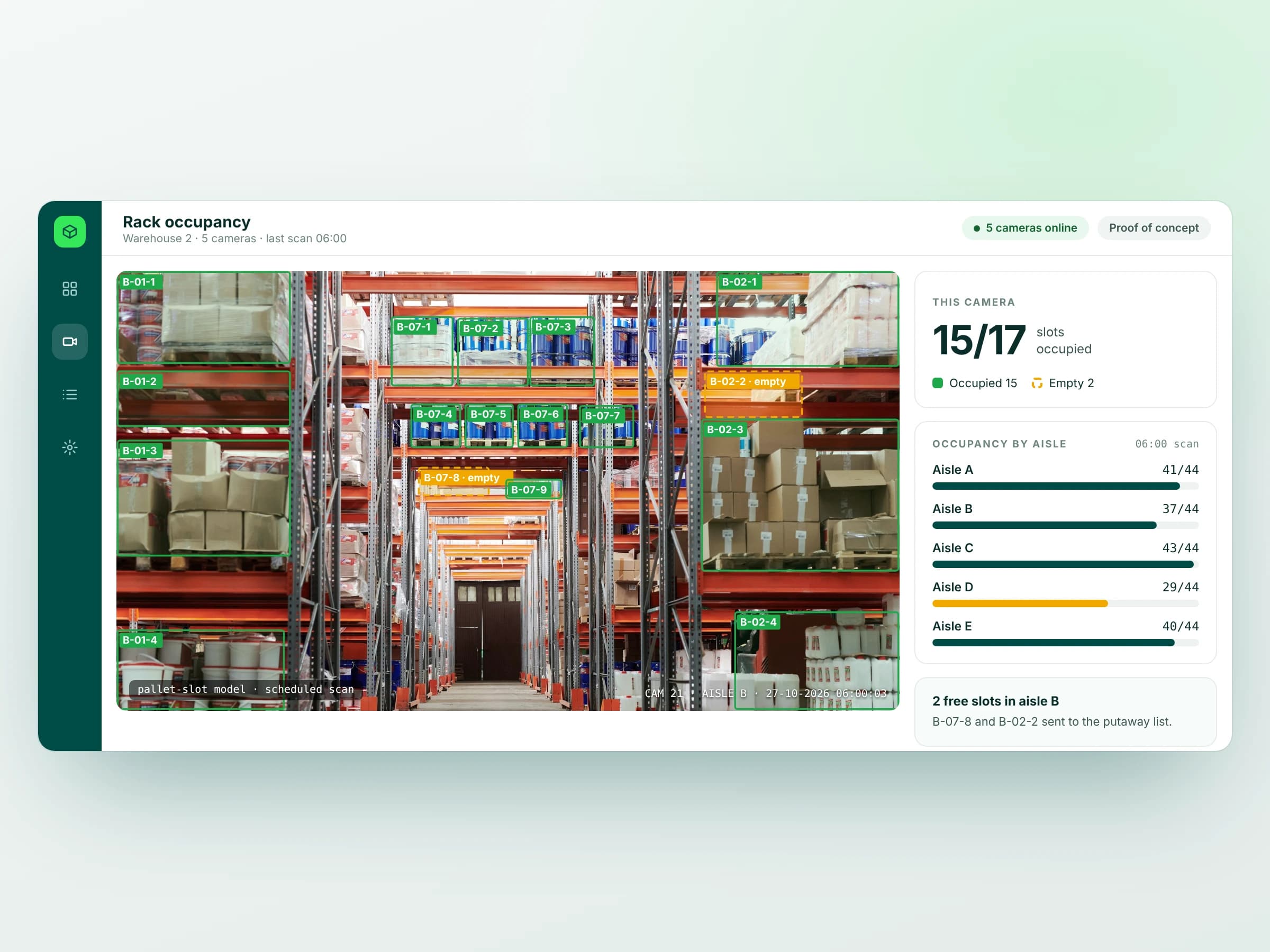
We built a warehouse counting system that combines fixed-camera rack checks with pallet counting from a phone photo. Teams can see occupied and empty rack positions, count pallet stacks in the yard, and compare those observations with warehouse records.
The workflow connects capture, delivery-note checks and reconciliation, directing staff to the locations where the physical count and the system record disagree.
The challenge
Warehouse records only stay useful when they match what is on the floor. Finding free rack space can mean walking the aisles, while empty-pallet returns are often counted by hand and checked against a delivery note under time pressure.
Small differences accumulate between physical movements and recorded stock. By the time a full stocktake uncovers them, staff have to retrace work across locations, paperwork and system entries. The challenge was to make routine checks easier and make discrepancies visible sooner.
The solution
We built two capture workflows around the equipment staff already use. Fixed cameras scan the aisles on a schedule, and a rack-occupancy model marks mapped positions as occupied or empty. Available locations feed the putaway list so teams can find space without a separate aisle walk.
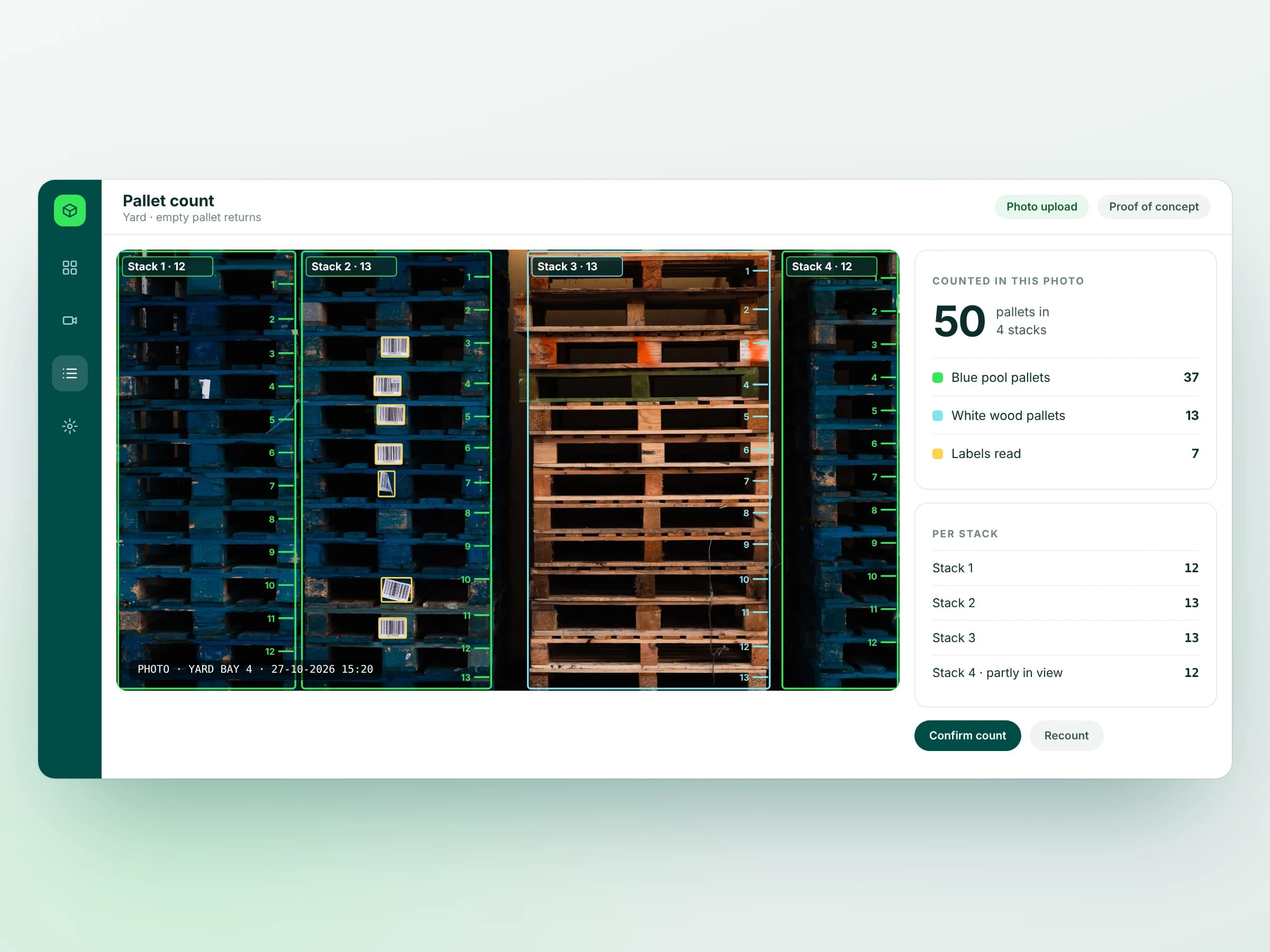
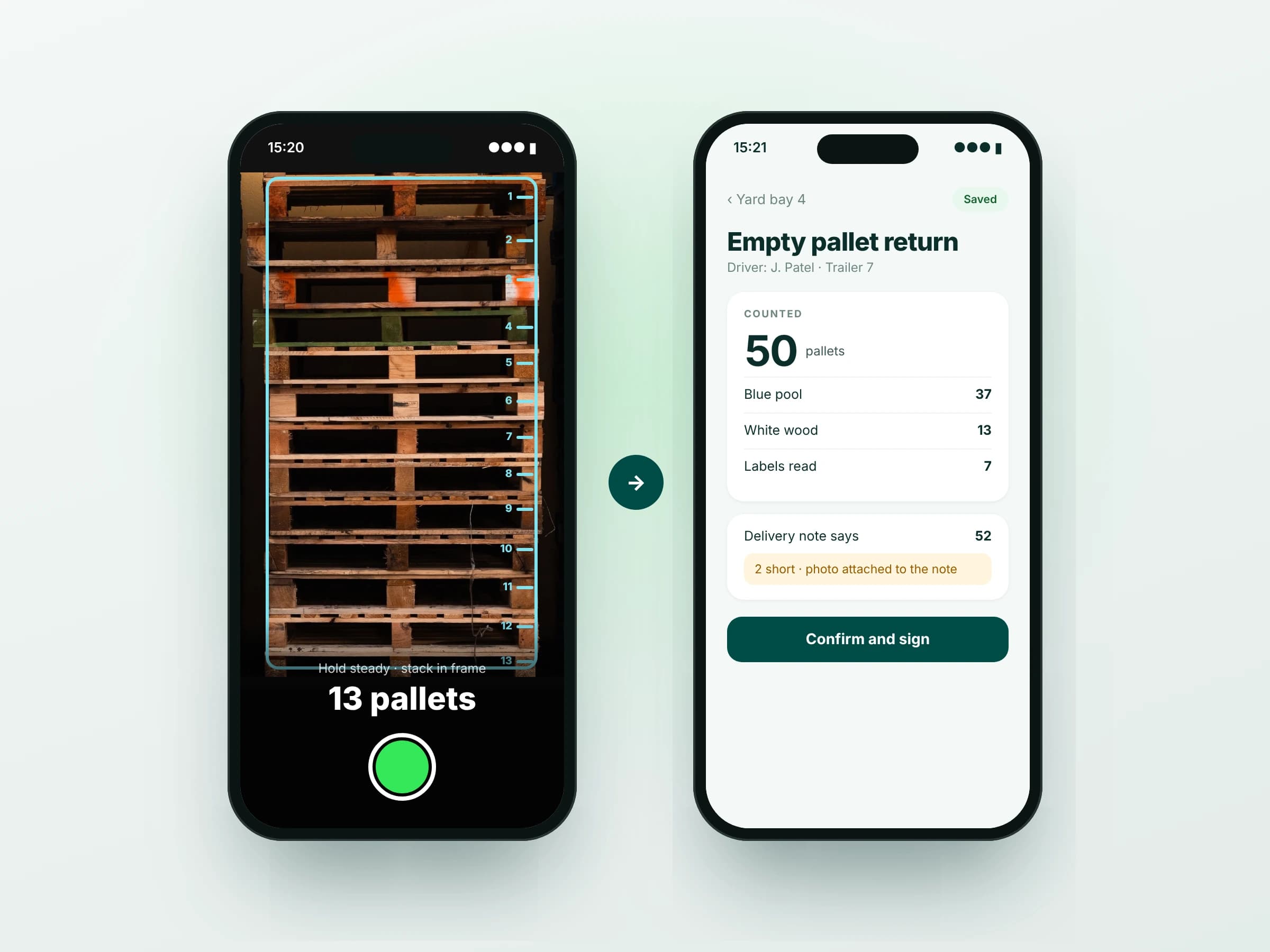
For stacks in the yard, the mobile app lets a driver or checker take a photo. The system identifies stacks, counts the visible pallets, separates pallet types and reads visible barcode labels. Staff can review the count, compare it with the delivery note and sign off the check in the same flow.
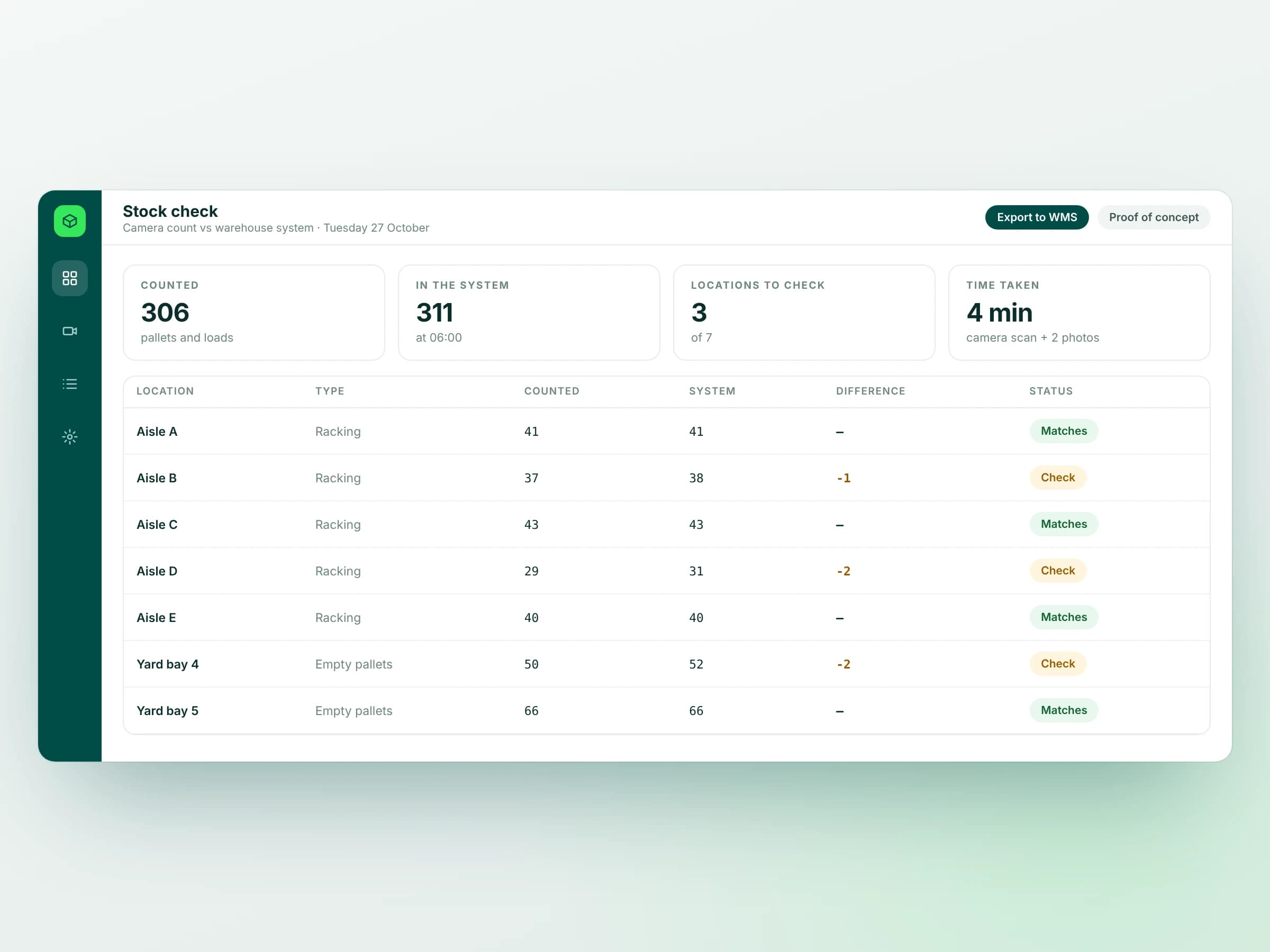
Counts are reconciled with warehouse records, with mismatched locations flagged for a person to check. This turns the output of the vision system into a focused review queue, linking each observation back to the warehouse workflow instead of creating another stand-alone count.
What it does
- Rack slot occupancy from fixed cameras
- Scheduled aisle scans
- Free slots sent to the putaway list
- Pallet stack counting from one phone photo
- Pallet type split and visible label reading
- Check against the delivery note
- Reconciliation with the warehouse system
- Only mismatched locations flagged
How we built it
- Map warehouse locations: Mapped aisles, rack positions and yard bays to camera views and warehouse location records.
- Build occupancy and counting: Developed rack-occupancy and pallet-stack detection, checking results against warehouse and yard imagery.
- Create the mobile workflow: Built photo capture, count review, delivery-note comparison and sign-off in a mobile app.
- Connect reconciliation: Compared observed counts with warehouse records and surfaced mismatches for staff to investigate.
The results
- 1 Photos per stack count
- Cameras and phones Inputs
- Only mismatches Locations flagged
Backendz & Pallet Counting: Highlights
More case studies
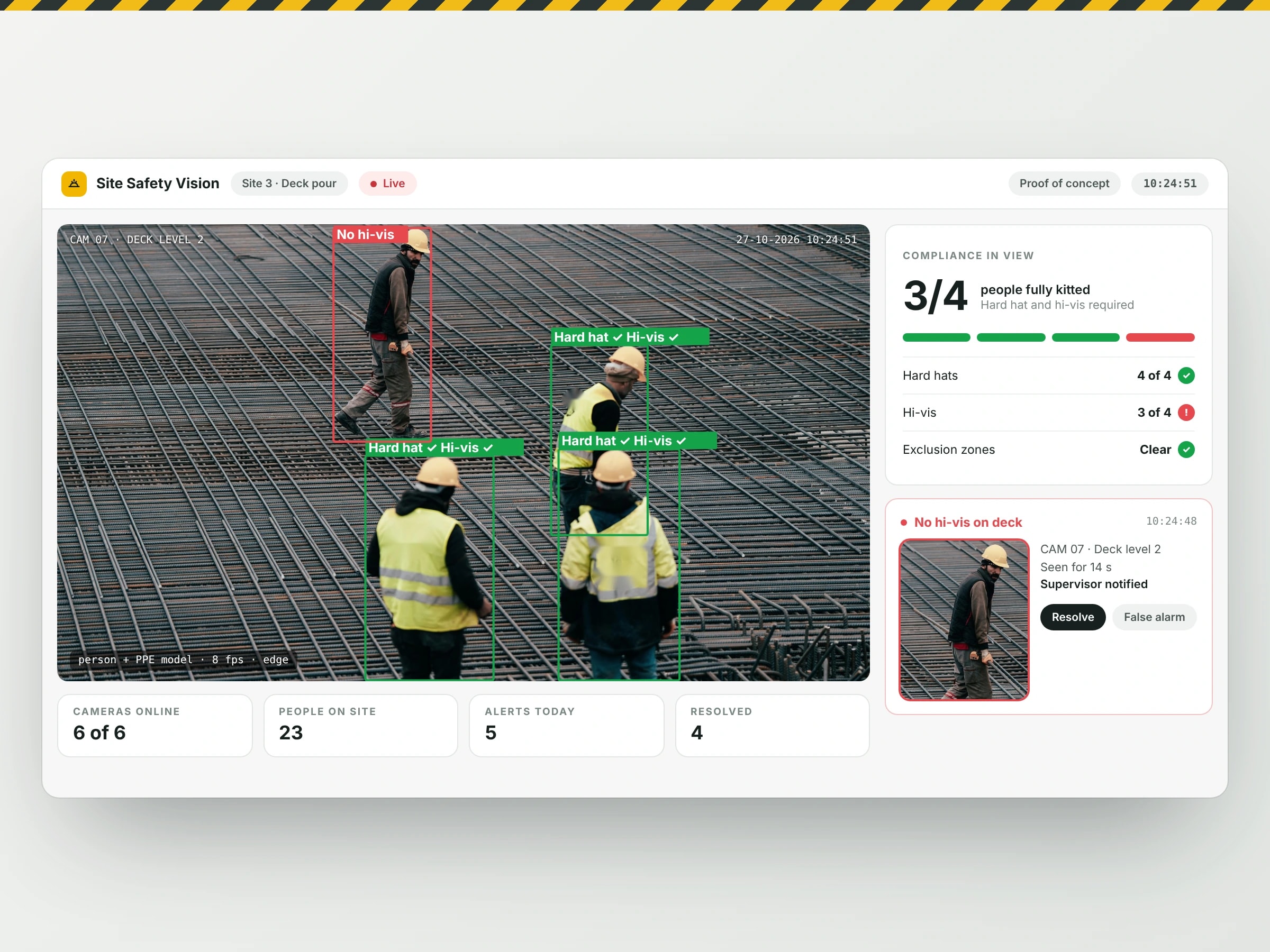
- Construction Site PPE & Safety MonitoringHard-hat and hi-vis checks, pedestrian safety-zone alerts and incident review from existing site cameras.View case study
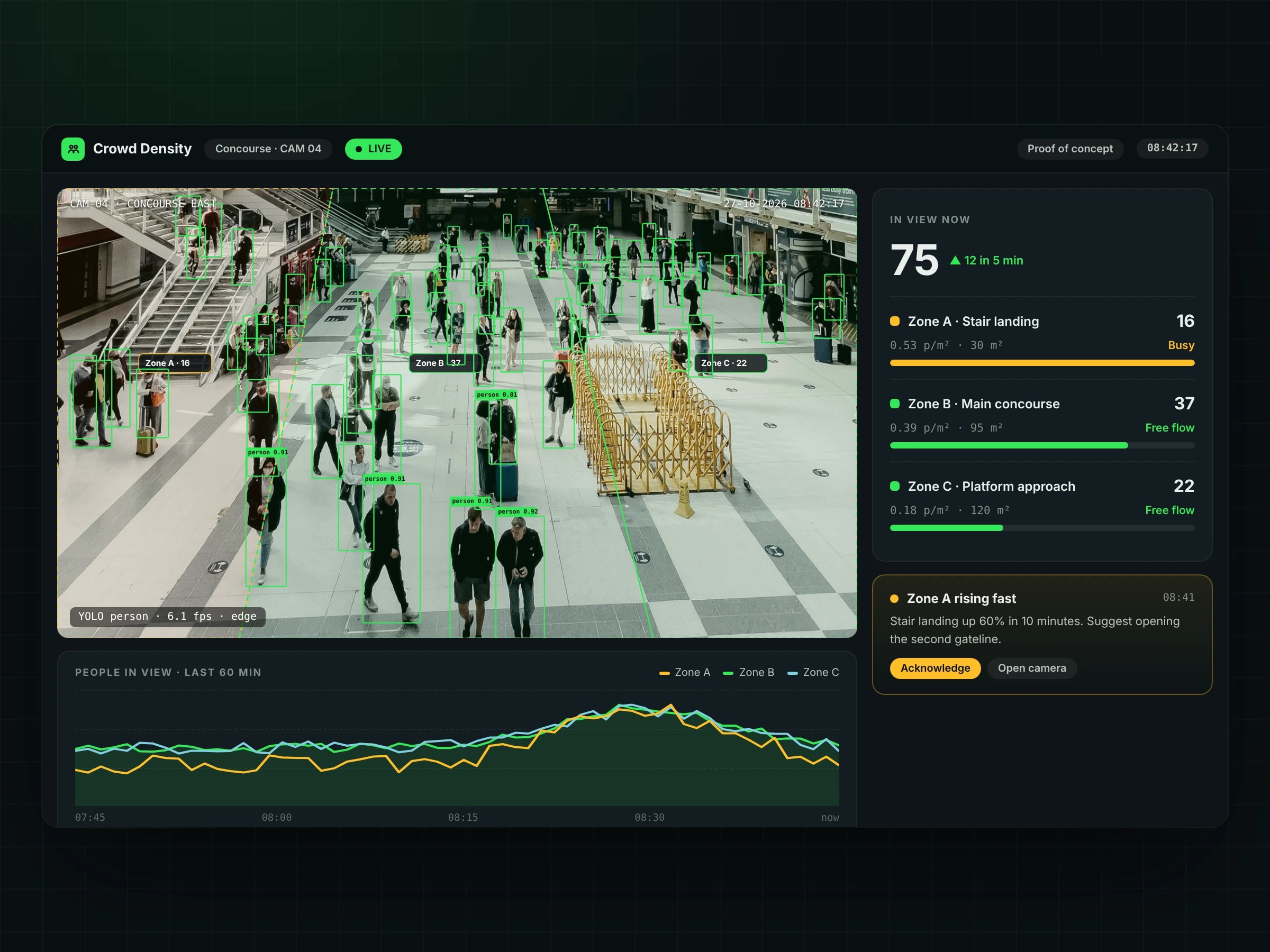
- Crowd Density MonitoringLive crowd counts, zone density and congestion alerts from existing CCTV, giving operations teams a clear view of where people are gathering.View case study
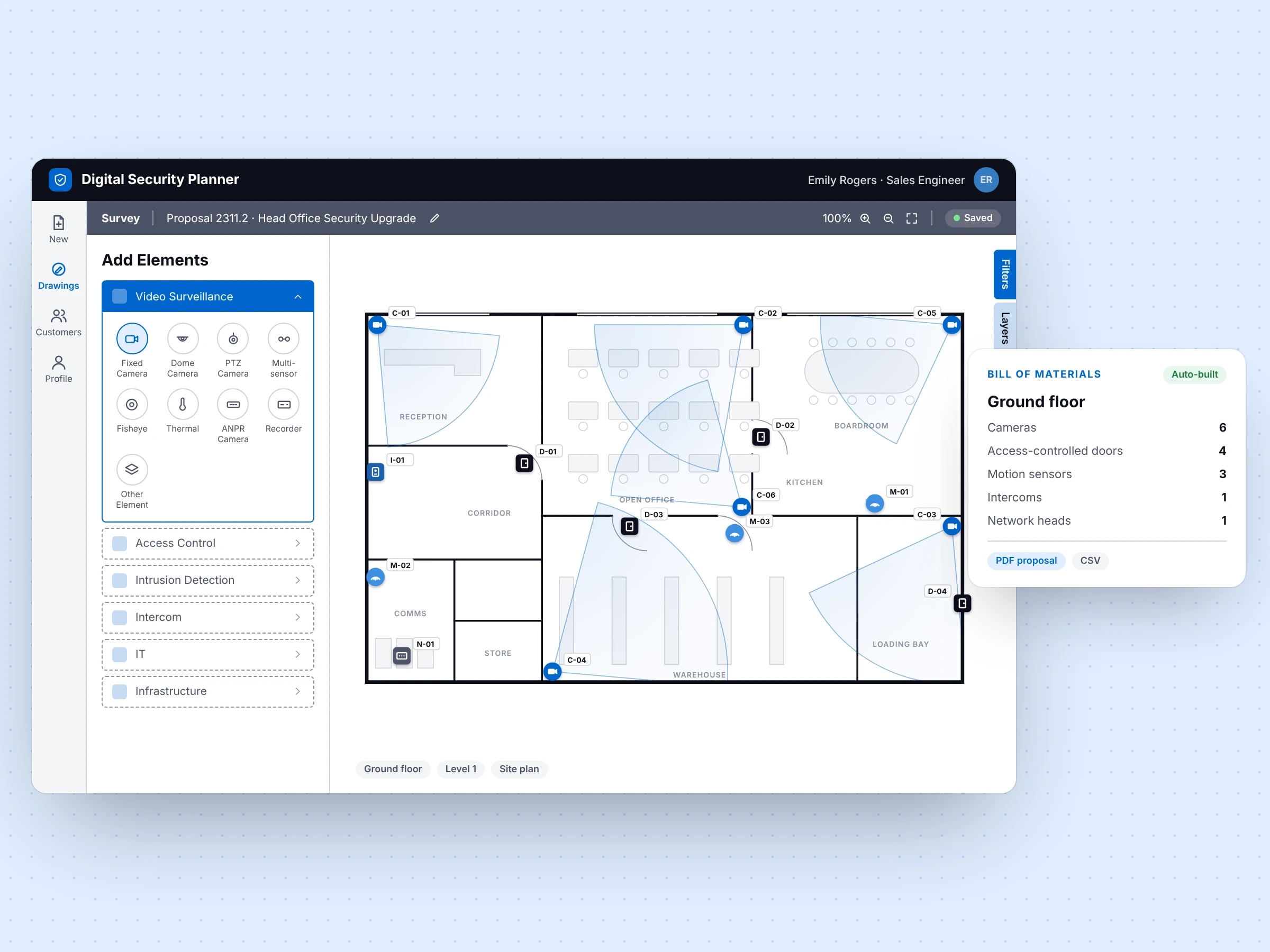
- Digital Security PlannerA site survey, design and estimating tool for security integrators.View case study
Still running on workarounds?
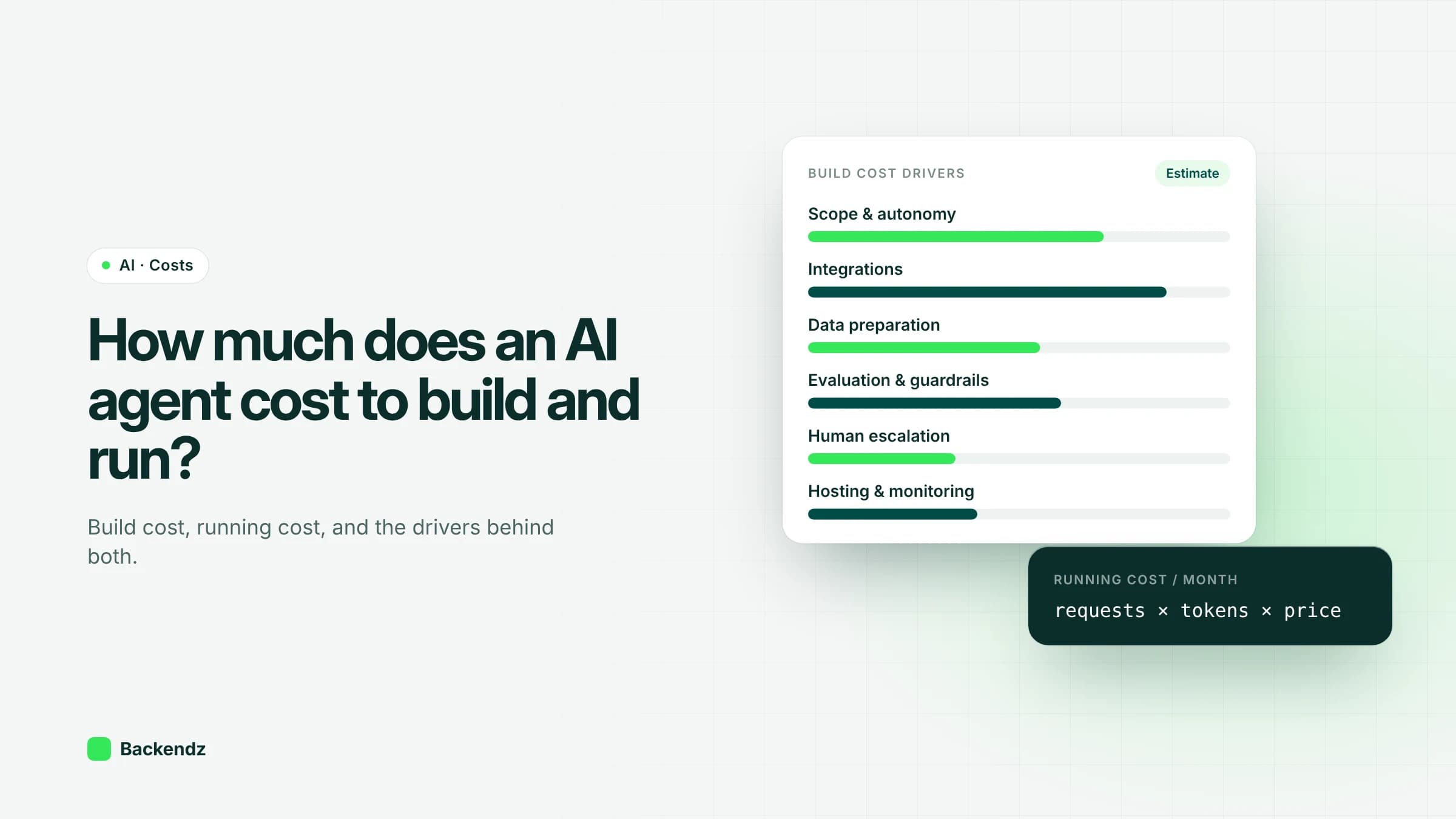 AIHow much does an AI agent cost to build and run in the UK?Read article
 AIPredictive maintenance with machine learning for UK manufacturersRead article
 AIWhere to start with AI workflow automation in operationsRead article
 EngineeringCustom CRM or off-the-shelf? When building your own makes senseRead article